Now you can track your investments with Kiwi
One tab for every investment you own, updated with recent rates. Here's how we built it.

If you're like most people we talked to, your money lives in a few different places.
A fixed deposit at the bank. A unit trust or two. Some stocks. Gold, somewhere safe.
And no single place to see all of it.
To check how any of it is doing, you're logging into three different portals with three passwords you've definitely forgotten. Or more likely, you're not checking at all. You just trust it's fine. It's probably fine.
We already help you see where your money goes. It felt obvious we should help you see where it grows too. That's the new Grow tab in Kiwi Money.
How we approached it
I spent around a week overthinking this. Building a dashboard was the easy part. The hard part was every scenario around adding an investment.
What details matter for an FD versus a stock? Does the language make sense for each type? Can you scan it in ten seconds?
So we studied every investment type properly, debts included. We looked at apps like Revolut, Wealthsimple and Acorns that have nailed investment tracking UX, and noted what wouldn't translate here.
Then I sat down with a few customers to see how they track investments today, with no app. A few kept Google Sheets that honestly put our early designs to shame. Rates, maturity dates, month over month growth, all beautifully constructed. Another checked unit trust rates every few days but had no idea what his gold was worth since the day he bought it.
The pattern was clear. People obsess over two things: what's it worth now, and when does something need my attention?
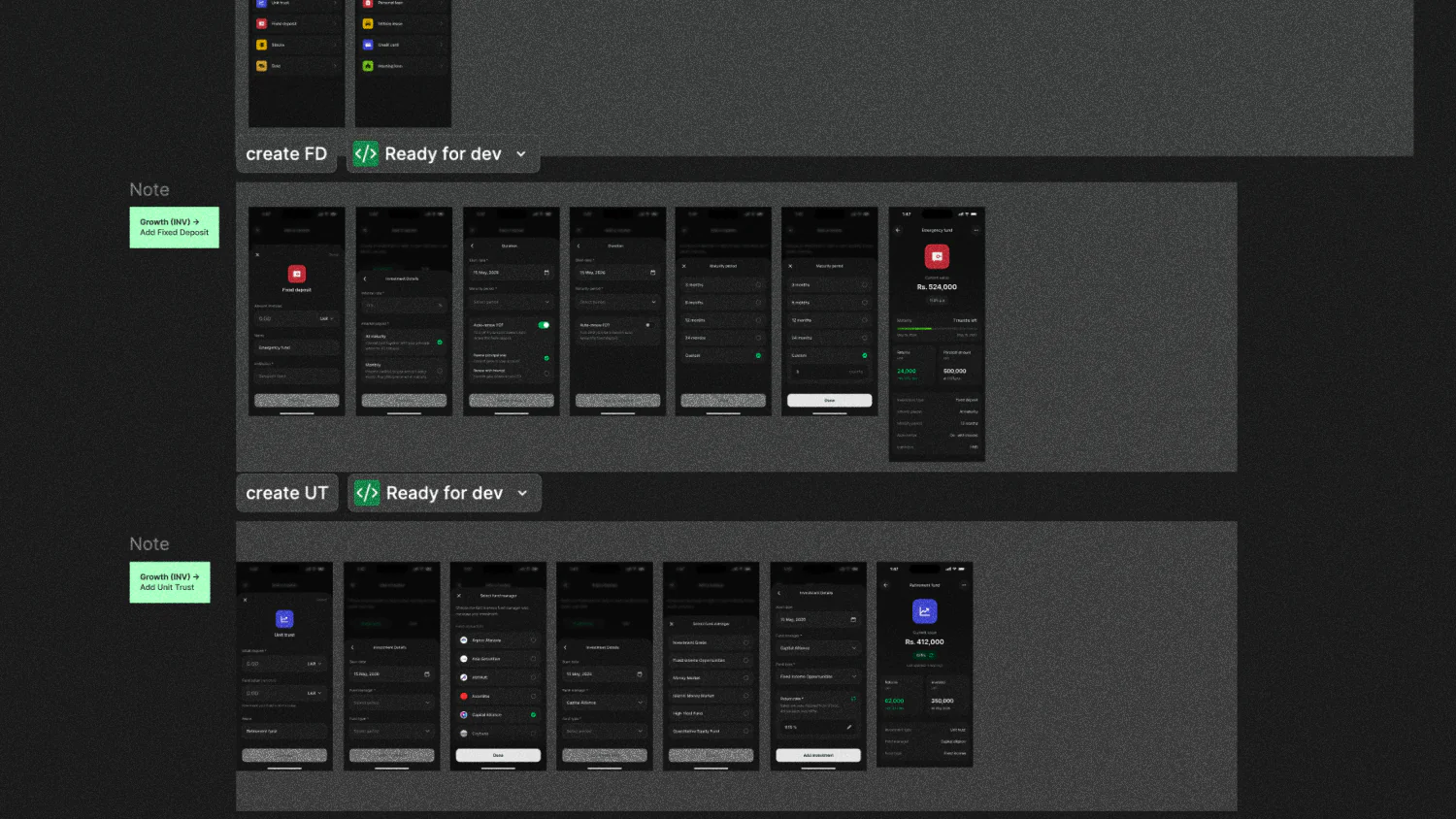
That told us exactly what the Grow tab needed to show, and what it could skip.
So how does it work?
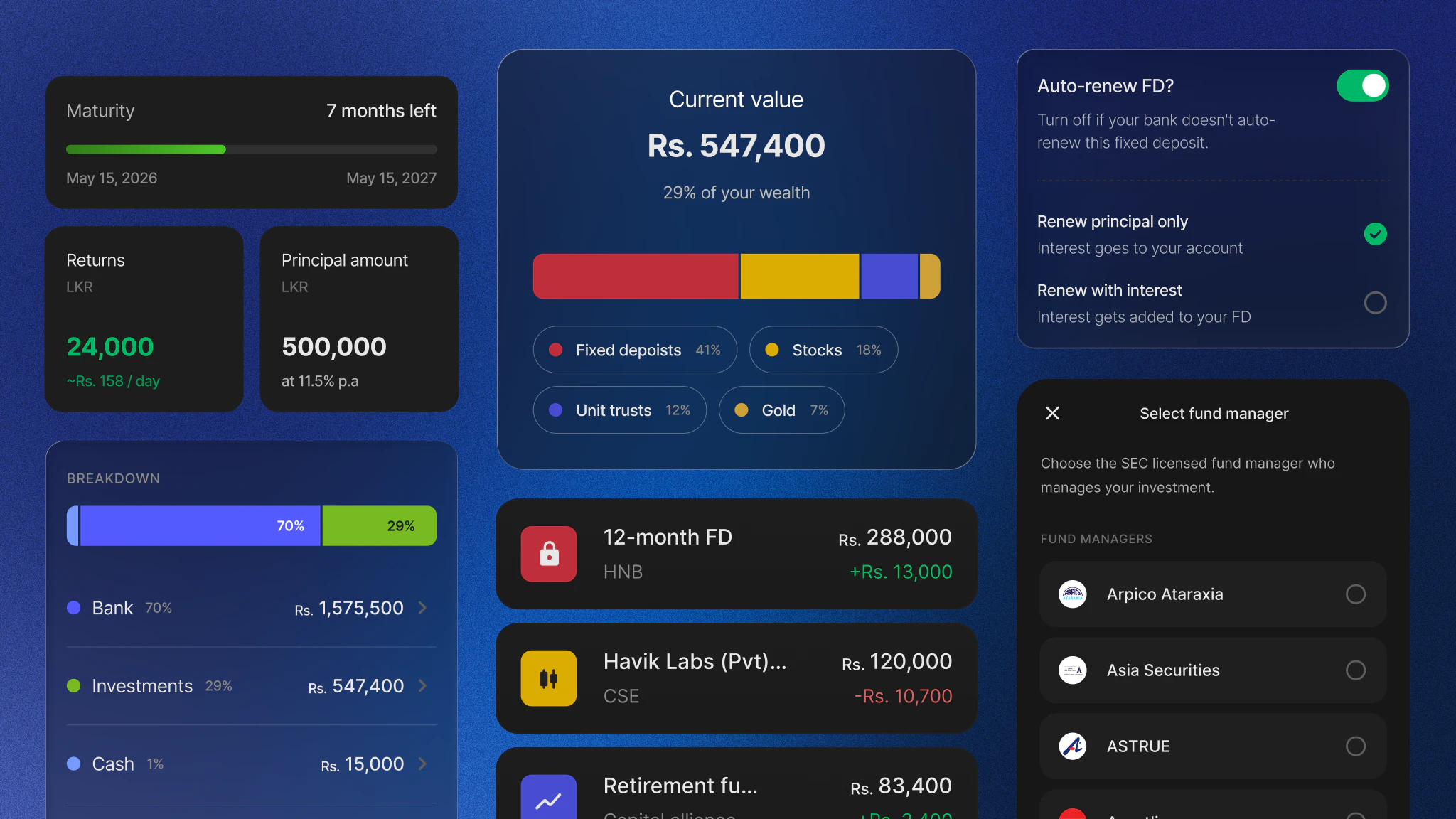
You'll see the new Grow tab in the bottom navigation. Add your investments there. Right now we support unit trusts, fixed deposits, stocks, and gold.
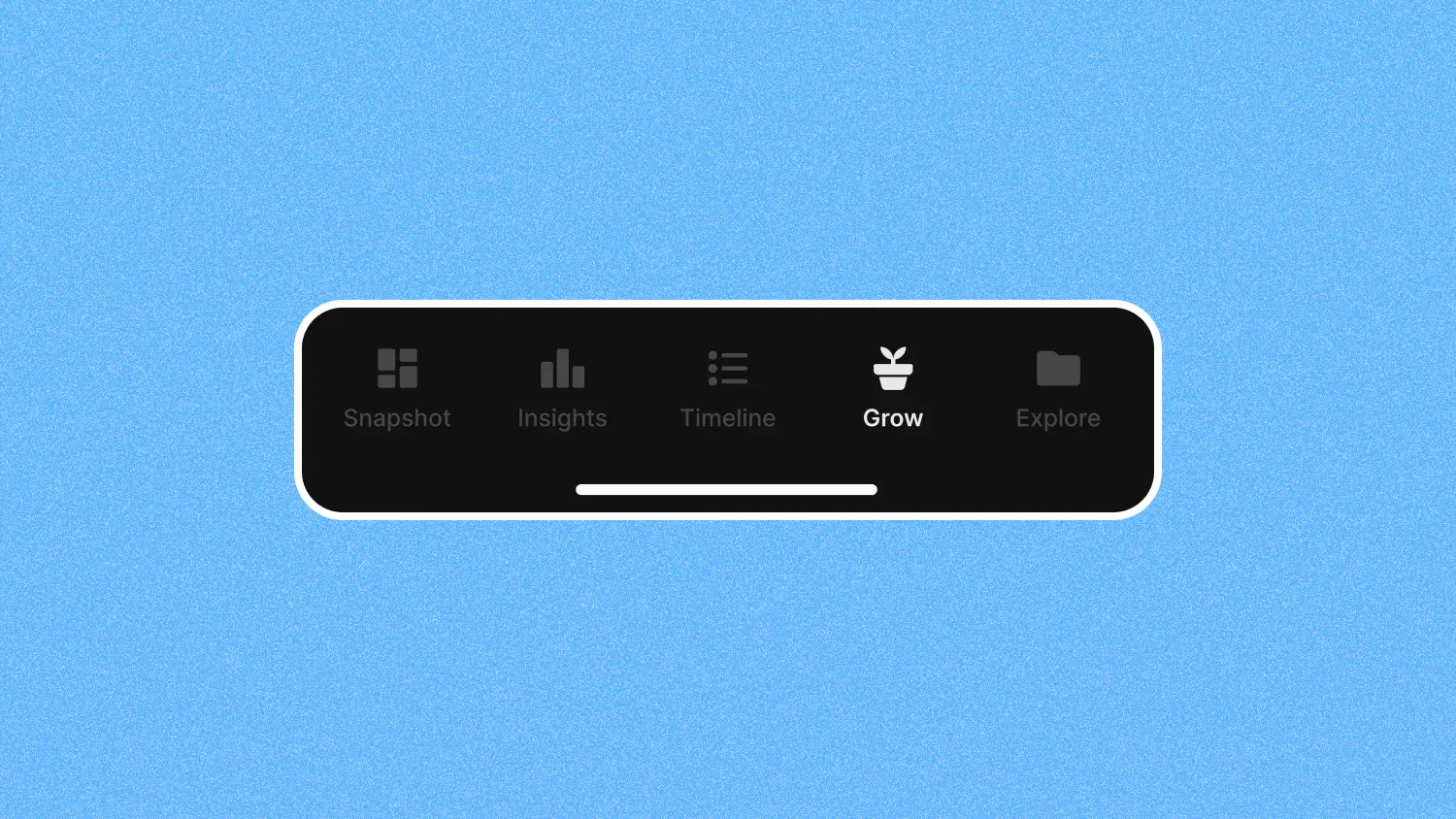
The part we cared most about: values update based on recent rates. Open Kiwi Money and you know how your money is doing today. Not what you typed in three months ago and forgot about.
Once your investments are in, the Grow tab shows you a clean breakdown of where your money is parked.
Where did Budgets go?
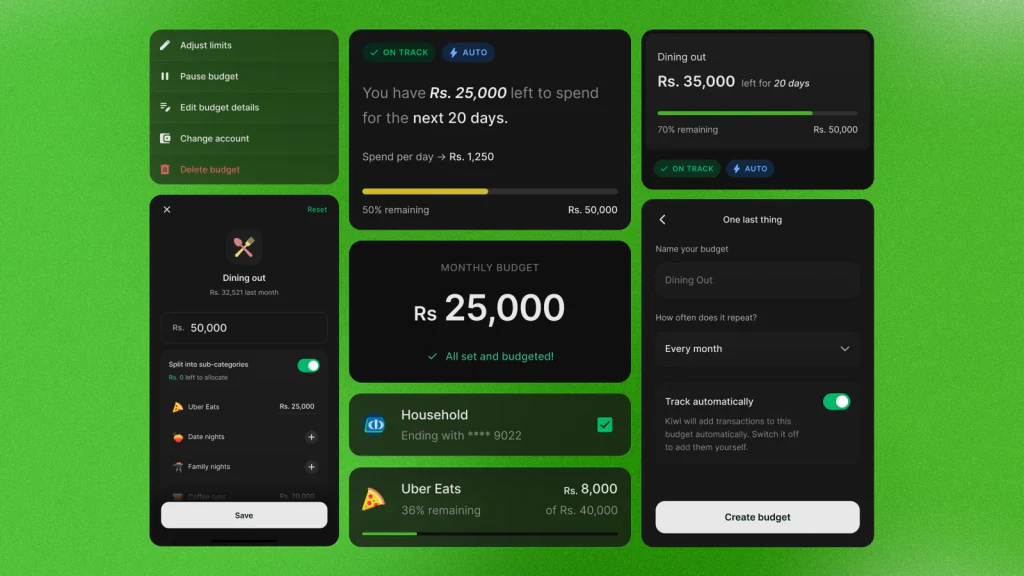
It now lives inside Explore.
Here's the honest reason. We looked at the usage data, and most people using Kiwi Money weren't creating budgets at all. Giving it prime real estate in the navigation didn't make sense when the Grow tab is something far more of you will open every day.
Budgets isn't going anywhere. It just moved.
This change also got us rethinking navigation as a whole. As Kiwi Money grows, we want everything to stay easy to find, not buried three taps deep. Expect more improvements here.
What we scrapped
Here's what we originally wanted to build:
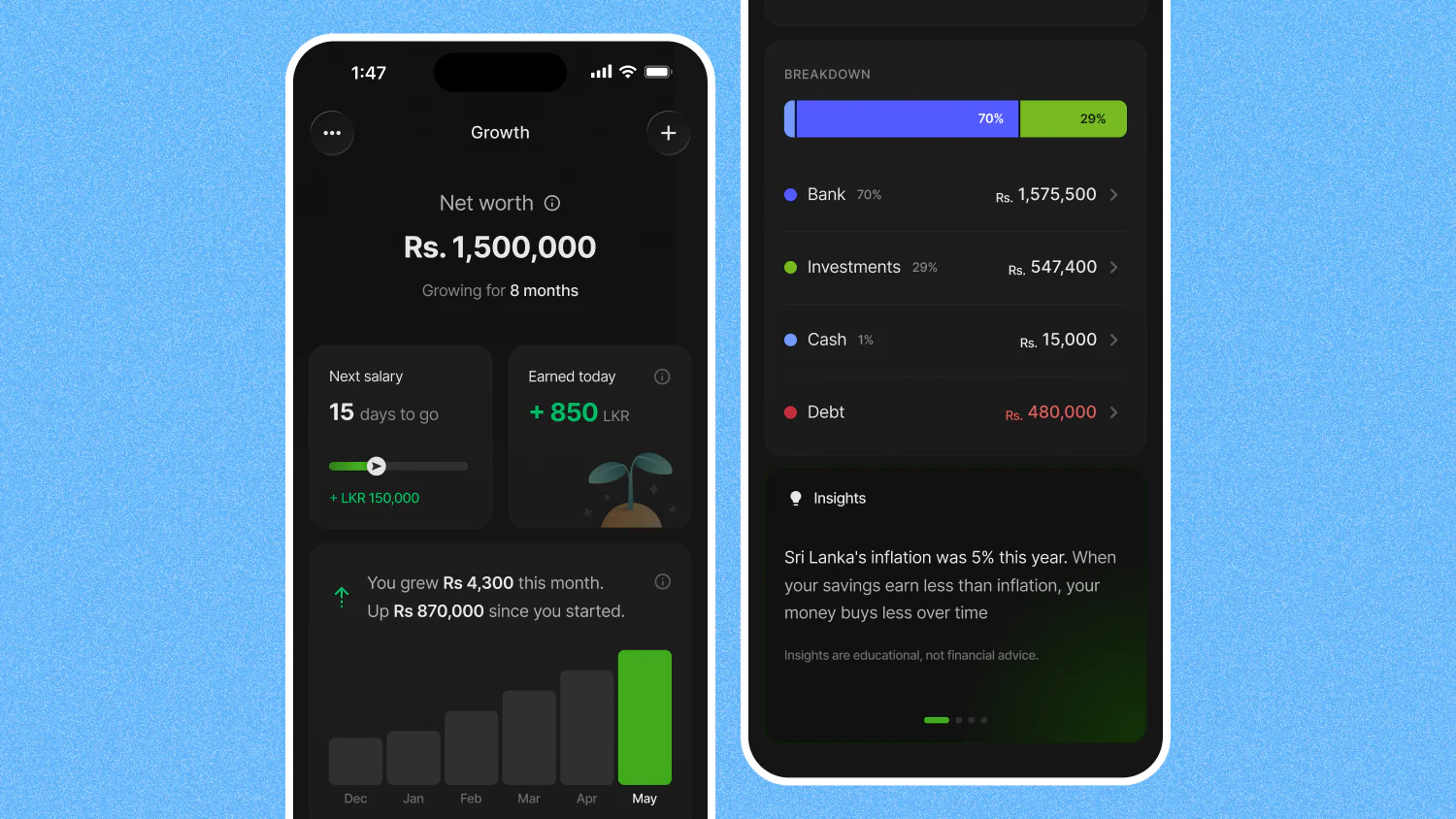
An all in one net worth view. Investments, plus your debts like loans and leases. The full picture of your financial life.
Ambitious. Then we tried to actually build it.
Live rates that are accurate turned out to be a project of its own. Unit trust prices come from each fund manager on their own schedule, stock prices from the CSE, gold rates from yet another source, and each one updates whenever it feels like it.
Getting one number wrong on a screen about your money breaks trust instantly. So we'd rather ship a smaller thing that's right than a bigger thing that lies to you.
What's coming in v2.0
If you looked closely at that mockup above, you already know:
- How much your investments earned you today
- A timeline of your growth over the months
- A countdown to your salary, so you can stop doing the mental math
Watching your expenses tells you where your money went. This tab is for the better feeling: watching it grow.